
For decades, the office photocopier has been a vital but silent presence in the working world. It's photocopied contracts, photocopied reports, distributed meeting materials and helped companies move information from one desk to another. While it may seem like a simple machine, its history reflects a much larger transformation in how people create, manage, and share knowledge.
The story of the journey from analogue photocopiers to AI-powered document systems is not just a story about better copying. It is a story of how the relationship among people, information and technology is changing.
Modern Photocopiers Are Born
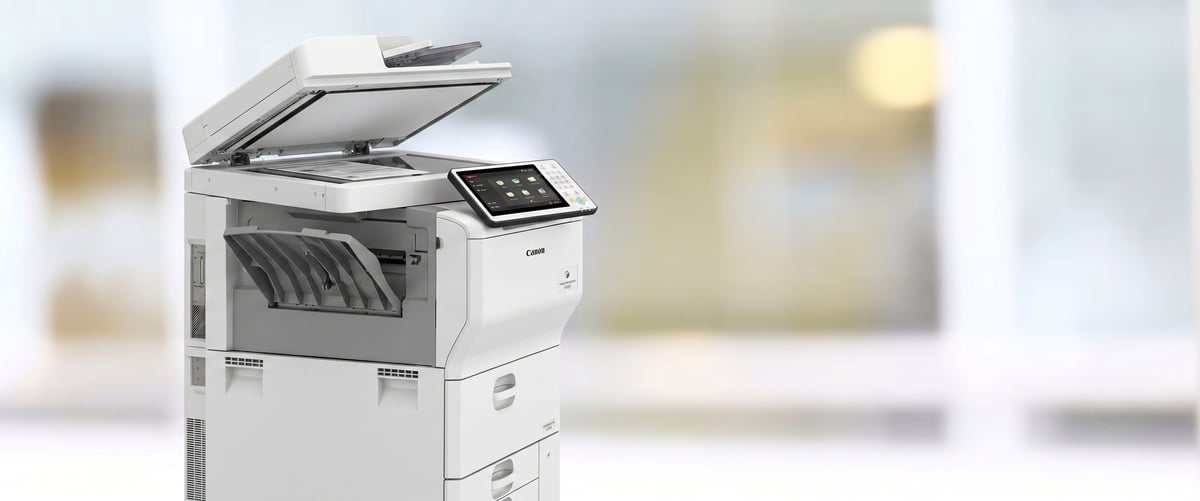
The modern office photocopier has come a long way — but its origins began with a breakthrough in 1938.
Before photocopiers became common, duplicating documents was a slow and often inconvenient process. Businesses used carbon paper, mimeographs and photographic reproduction. These solutions worked but were limited by speed, quality and convenience.
The breakthrough came in 1938, when Chester Carlson invented the first successful dry copying process, electrophotography. He used static electricity, light and powdered ink to produce quick, accurate copies. After years of development, the technology was commercialised by the company that would become Xerox.
In 1959, the office culture changed with the Xerox 914 photocopier. It allowed employees to make copies of quality in seconds, rather than waiting on outside printing or depending on faulty duplication methods. To many organisations the photocopier was a symbol of modern business efficiency.
The Age of Analogue: A Paper-Making Machine
Photocopiers became a standard feature of offices around the world in the 1960s, 1970s and 1980s. These machines were built for one thing: to reproduce physical documents.
In analogue photocopiers, an image was transferred onto paper by means of mirrors, lenses and a light-sensitive substance, using the original document. Users could alter settings such as paper size, brightness and contrast, but it was still largely mechanical.
During this time period photocopiers were a step forward, but they were not without their limitations. Machines were generally large, expensive and required regular servicing. Businesses needed dedicated staff or service contracts to manage repairs, toner replacement, and paper handling. If your business still relies on an older machine, it may be time to consider modern photocopier sales and leasing options that offer better reliability and lower running costs.
But despite these problems, photocopiers were essential to office work. They helped corporate communication grow by providing both internal and external communication.
The Digital Revolution: It's Not All About Copying
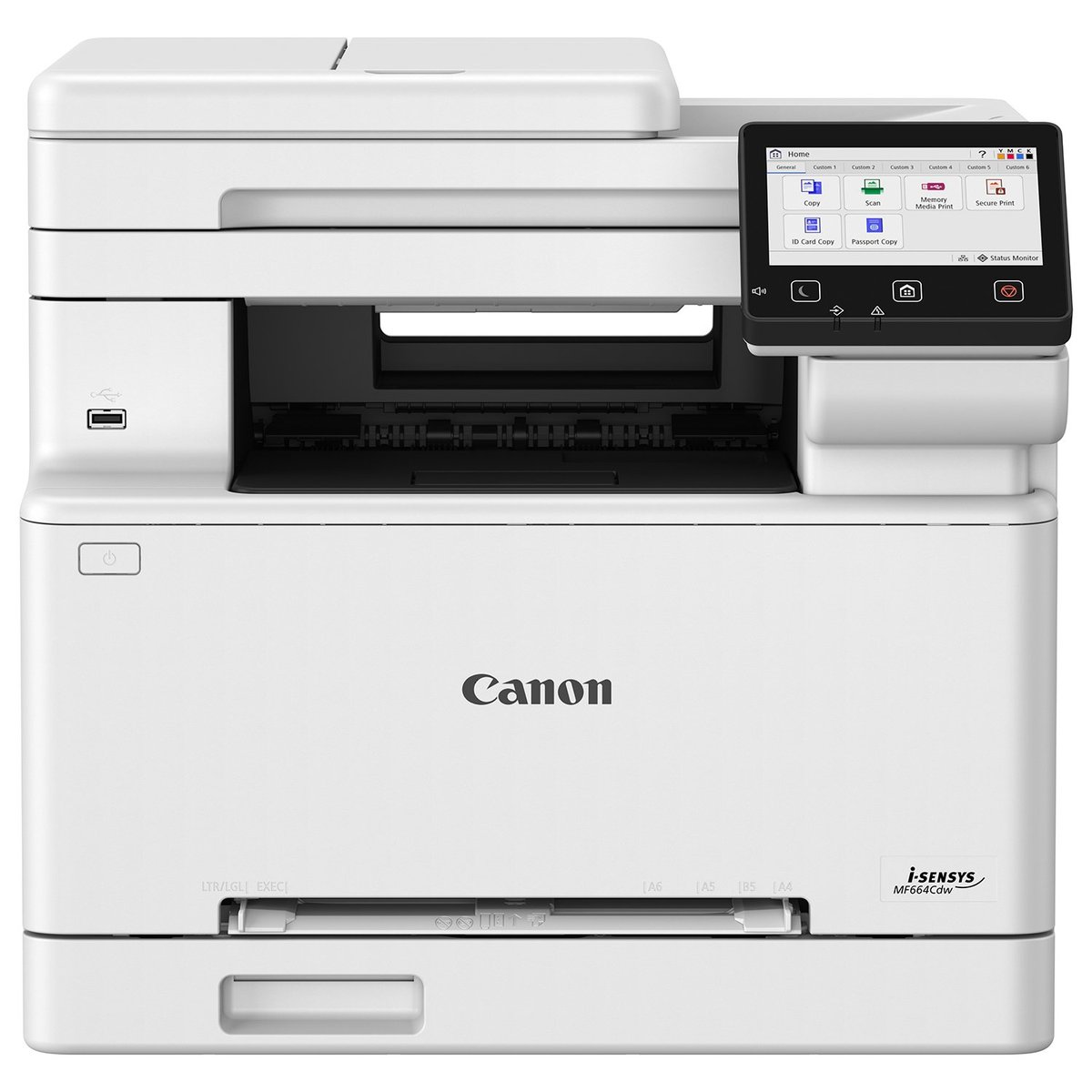
Digital photocopiers replaced analogue scanning with electronic imaging — improving quality and enabling multifunction capability.
The coming of the digital age has changed the photocopier from a single-function copying machine to a multifunction office device.
Digital photocopiers replaced analogue scanning systems by electronic imaging systems. They took digital images of documents and printed them out instead of moving a photograph physically. The change improved image quality, reduced mechanical complexity, and opened up new possibilities.
By the late 1990s and early 2000s, many office machines combined the functions of copying, printing, scanning and faxing in a single device. Employees could scan documents directly to email, store files electronically, and print from computers across a network. This shift mirrors what we see today with managed print solutions for modern workplaces, where integrated document workflows are now standard.
The photocopier was not just a copying machine. It became embedded within the wider information infrastructure of an organisation.
The Connected Office & The Copier
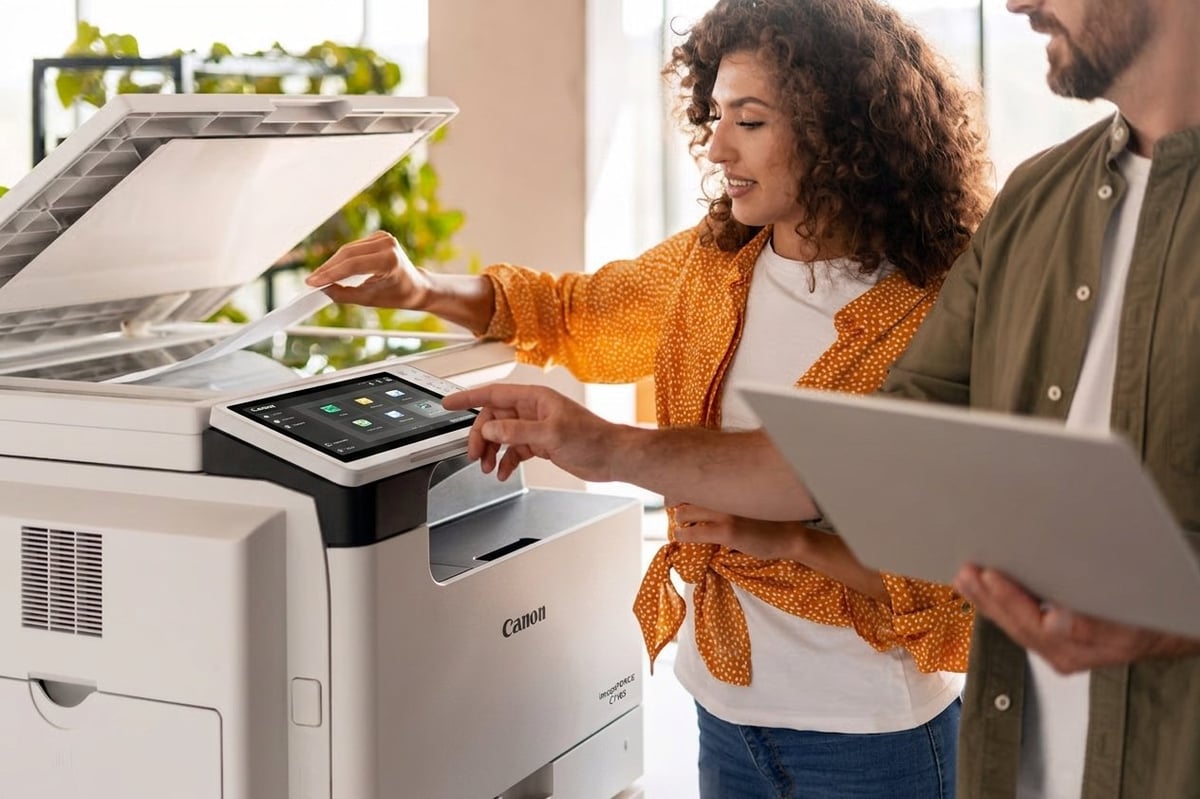
Today's office devices are connected systems that communicate with cloud platforms, security networks, and document management software.
As businesses began to move away from paper-heavy processes, the photocopiers evolved once again. Today's office devices are connected systems able to communicate with cloud platforms, security networks and document management software.
Today's machines can recognise users, monitor print activity, encrypt sensitive documents and automatically reorder supplies. These features meet practical business concerns like security, cost control and efficient resource management.
With the increasing prevalence of remote and hybrid working, the role of the office copier changed too. The copier became a part of a wider digital workflow, rather than the centre of all document activity.
Artificial Intelligence Comes of Age
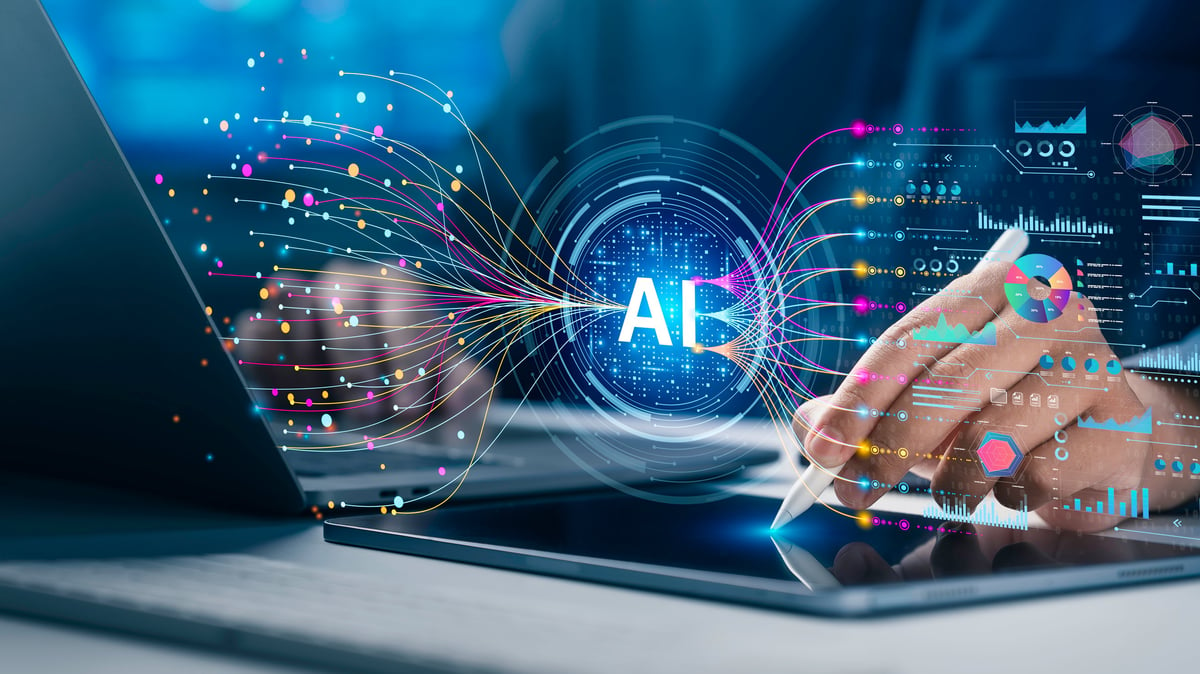
AI-powered document systems can now understand, organise, and process information — not simply reproduce it.
Artificial intelligence has brought yet another major change in the evolution of the office photocopier. Modern intelligent document systems have the ability to understand, organise and process information rather than simply reproduce it.
AI-powered devices can recognise text through optical character recognition, identify document types, detect errors and automate repetitive tasks. For example, a scanned invoice can be analysed and routed to the appropriate department without someone manually entering the information.
Machine learning also enables these systems to improve over time. They can guide users through common workflows, recommend actions and help users to accomplish tasks faster. The technology can help with routine decisions, rather than waiting for instructions at each step.
The point of AI for photocopiers is not to replace human judgement. It is about reducing unnecessary administrative work and giving employees the opportunity to focus on activities that require creativity, analysis and personal expertise.
Current Paper Environment and Security
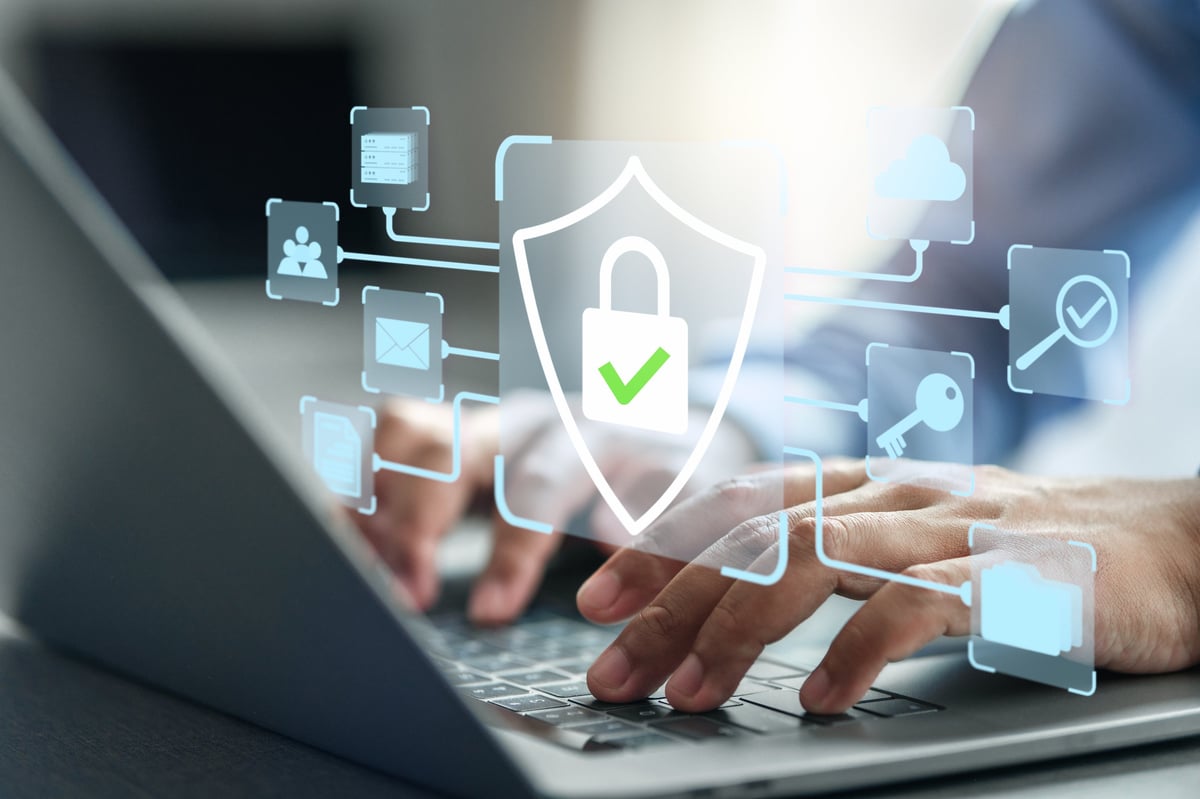
As photocopiers become more connected, built-in security features like encrypted storage and user authentication are essential.
As photocopiers become ever more connected, security is a growing concern. Modern office copiers are capable of storing large amounts of sensitive information such as financial records, employee data and confidential business documents.
Devices are now manufactured with security features such as encrypted storage, user authentication and secure printing. The measures are designed to help organisations to protect information from scanning through to distribution. This is one reason businesses turn to photocopier rental with built-in security — modern rental machines come with the latest firmware and security protocols out of the box.
The development of the photocopier indicates that the device is not only a physical device anymore. It has become part of the broader challenge to manage information responsibly.
The Future of Photocopiers in the Office
The future of the office photocopier will see deeper integration with digital workplaces and smarter, context-aware AI.
The future of the office photocopier will likely see more integration with digital workplaces. With further development of artificial intelligence, document systems may improve their ability to understand context, anticipate users' needs and simplify complex workflows.
But the main function of the photocopier is not different. We need reliable means of capturing, sharing and managing information. The difference is the process is getting less visible. More and more of the work is happening automatically in the background.
The office photocopier has evolved from a device for copying paper documents to an intelligent system to aid the management of information. Its evolution reflects a broader shift in business technology: moving from manual processes toward systems designed to support how people actually work.
The photocopier is not just a relic of the past.
The photocopier may not be the centre of the office anymore but its role has not disappeared. It has just evolved, to suit a world in which information travels faster, comes in more forms and requires smarter tools to manage. If your business is ready to upgrade, explore our range of photocopier sales or rental options — we'll help you find the right fit.