
Schools get through a huge amount of printed material every day, from worksheets and exam papers to letters for parents and resources for staff. With so much printing to deal with, choosing a photocopier that can keep up without putting too much pressure on the budget can be difficult.
A good school photocopier should do more than simply make copies. It should help reduce costs, save staff time, and keep things running smoothly. Here are five features worth looking for when choosing a photocopier for a school or college.
Bulk Scanning to Digitalise Paperwork
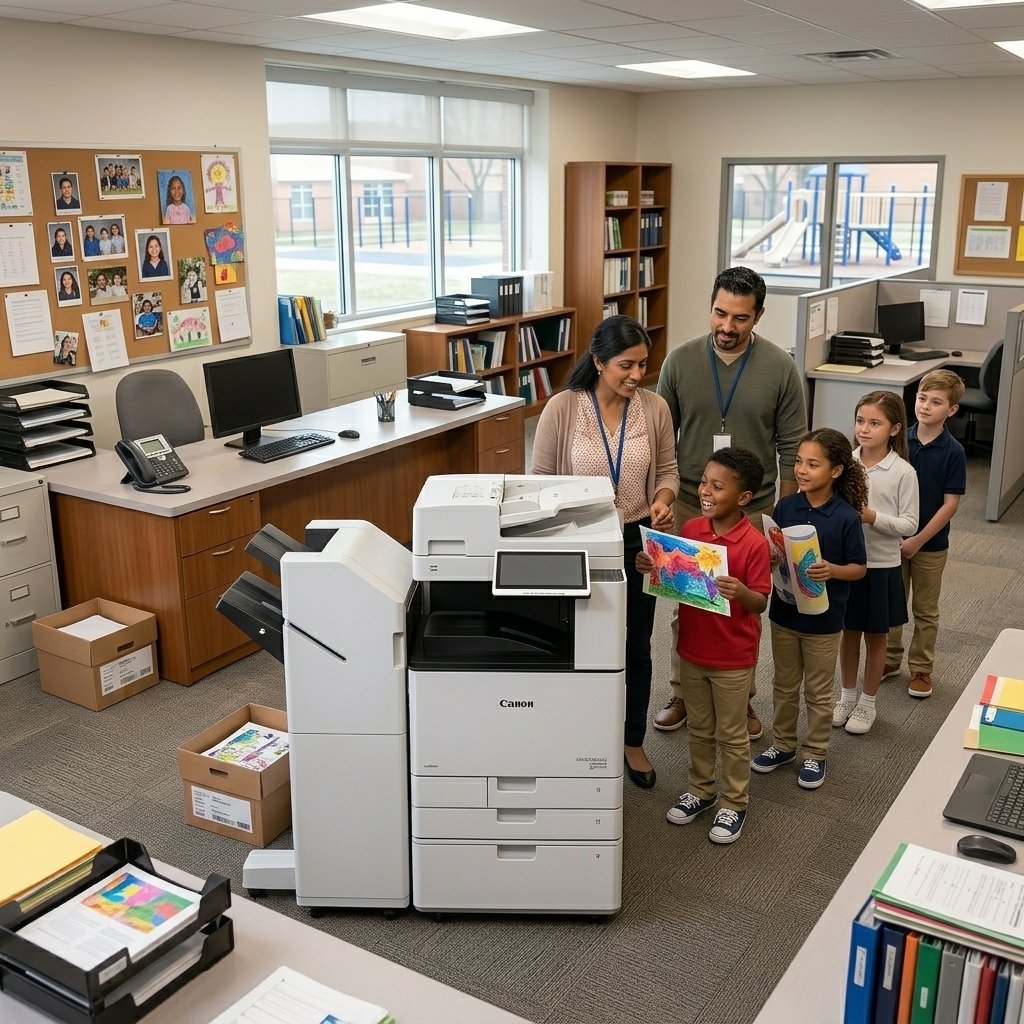
A fast automatic document feeder makes light work of clearing a morning pile of registers and permission slips.
Schools handle a surprising volume of paper that eventually needs to find its way into digital records. Registers, consent forms, homework claims and invoices all start as physical sheets.
A photocopier with a fast automatic document feeder and reliable scan-to-email or scan-to-folder enables office staff to turn a tall stack of paper into organised digital files in minutes — not hours. Look for a machine that can scan both A4 and A3, and that can feed a large batch without jamming.
The time saved here quickly pays for itself. It frees administrative staff to focus on pupils and parents rather than standing at a scanner feeding pages one at a time.
Cost Control & Pay-Per-Page
Budget is almost always the deciding factor for a school. A machine that is cheap to buy but expensive to run can quietly drain a budget through toner, parts and maintenance.
The most predictable way to control printing costs is a pay-per-page arrangement, where the school pays only for the pages it actually prints — with toner, parts and service bundled into each copy.
This turns an unpredictable equipment bill into a straightforward, per-page cost. It also removes the surprise of a sudden toner replacement or a costly repair, which is exactly why many schools choose a managed photocopier rental built for busy educational settings.
Security & Safeguarding
A school copier holds sensitive data: pupil records, staff details, exam papers and financial information. If that data is left sitting on a shared machine, it is a real safeguarding risk.
Look for machines with secure print release, which holds a print job until the user authenticates at the device, and user authentication so every print and copy can be traced to an account. Encrypted storage and the ability to wipe data when a device is decommissioned are also important.
For schools this is not just good practice — it supports GDPR compliance and gives parents and governors confidence that pupil information is handled responsibly. A machine with the latest firmware and security protocols protects students and staff alike.
Simple, Intuitive Operation
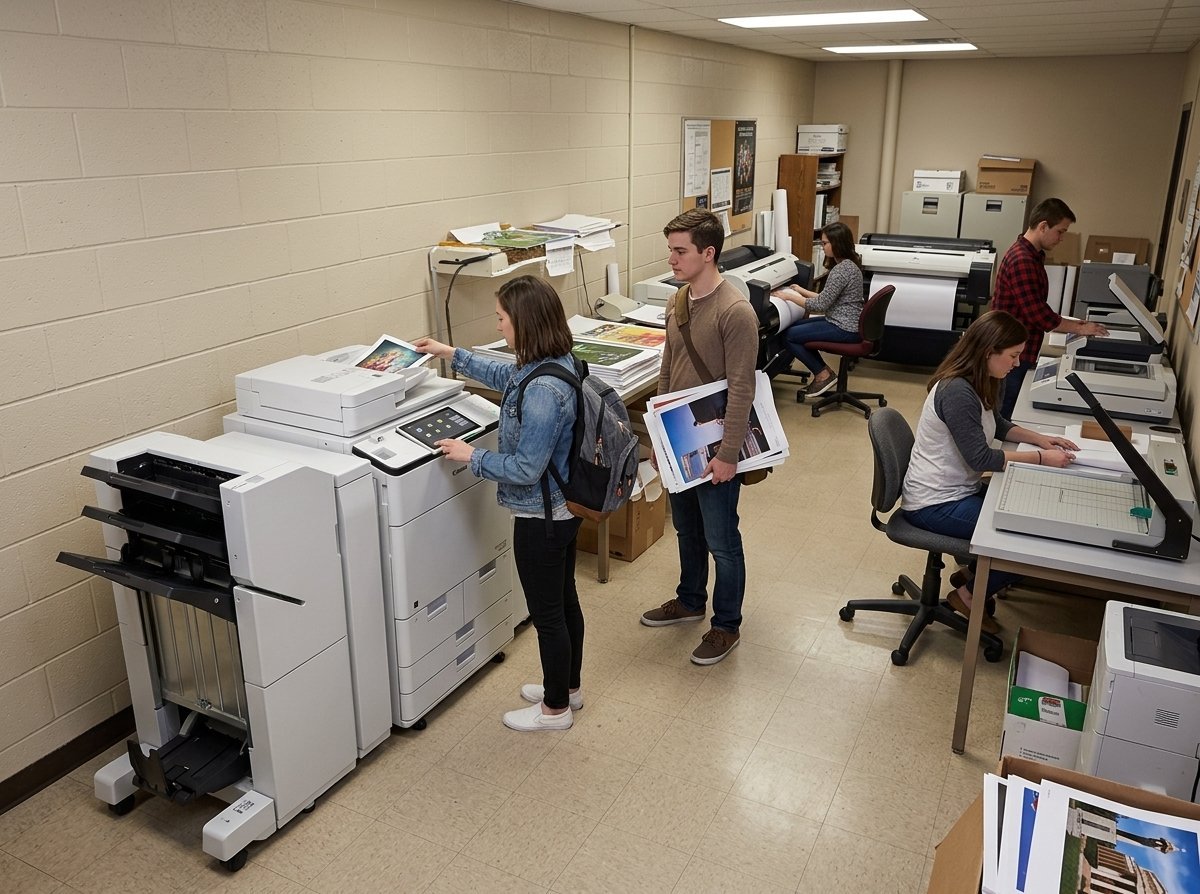
A clear touchscreen means staff and even students can make copies confidently without assistance.
Not everyone in a school is confident with complex office equipment. Teaching assistants, student library helpers and lunchtime staff all need to make copies quickly without calling the IT department.
A school photocopier should have a clear, intuitive touchscreen with simple on-screen guidance for everyday tasks like copying, scanning and collating. Pre-set profiles for common jobs — double-sided worksheets, exam papers, or letters to parents — mean the right settings are one touch away.
Where the needs are less predictable, professional support and training from your supplier makes sure your team gets the most out of the machine from day one.
Reliability & Responsive Support
A school cannot afford a machine that is out of action for days. When exam season arrives, a broken copier is not an inconvenience — it is a crisis.
Choose a supplier who understands the pace of a school day. That means fast response times, engineers who are DBS checked, and the flexibility to service equipment before or after school hours so lessons are not disrupted.
On-site toner storage and proactive replenishment also keep printing uninterrupted. Between a robust machine and a reliable partner, your school gets quiet, dependable print that simply works day in, day out.
The right photocopier for your school
Every school's needs are different, but these five features — bulk scanning, cost control, security, ease of use and reliable support — should sit at the heart of any decision. If your school is looking to upgrade or gain control of its printing costs, explore our solutions for schools or get in touch — we'll help you find the right fit.